Setting Your Machine for the First Time
When you first turn on the machine, set the language to your preferred language.
Touch
 and
and  to set your preferred language and then touch [OK].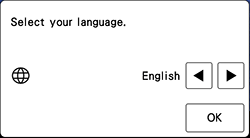
Touch [OK] to read end-user license agreements (EULA).
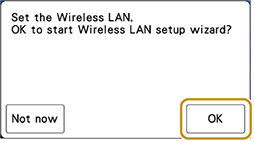
The following message about a wireless LAN connection appears. To set up a connection, touch [OK], and then refer to steps 3 through 6 in the following link.
To set up Wireless LAN at a later time, select [Not now].
Using the Wizard to Set Up the Wireless Network Connection