
Grouping Patterns
If the multiple patterns are grouped, they can be edited as a single pattern.
Select patterns you want to group.
Touch
 .
.- The selected patterns are grouped.
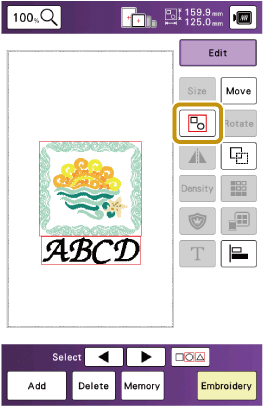
To ungroup a grouped pattern, select the grouped pattern, and then touch
 . At this time, multiple patterns are selected. To cancel the multiple selection, touch any other pattern or the blank area.
If a key display is grayed out, you cannot use that function with the selected pattern.