Aligning the Pattern and the Needle
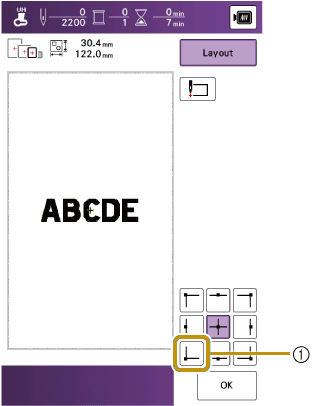
Example: Aligning the lower left side of a pattern and the needle

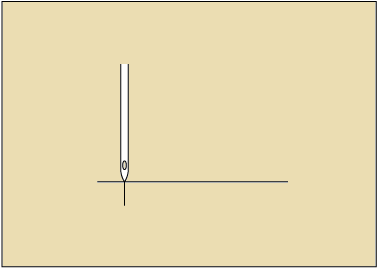
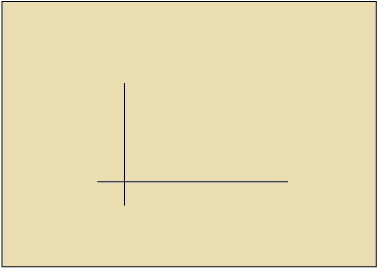
Mark the embroidery start position on the fabric, as shown.
Touch
 .
.
Touch
 .
.
- Start position
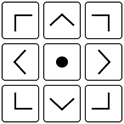
- The needle is positioned in the lower-left corner of the pattern. The carriage moves so that the needle is positioned correctly.
Touch [OK].
Touch [Layout], and then touch
 .
.Use the following keys to align the needle and the mark on the fabric, and start embroidering the pattern.