
Thread Color Sorting
This function allows you to embroider while replacing the thread spool a minimal number of times.
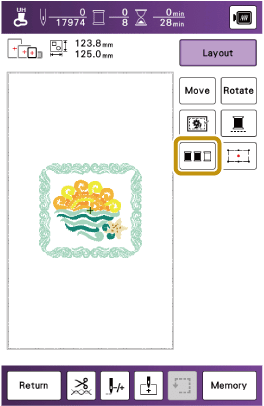
Before starting to embroider, touch  in the embroidery screen to rearrange the embroidery order and sort it by thread colors.
Touch [Layout] in the embroidery screen.
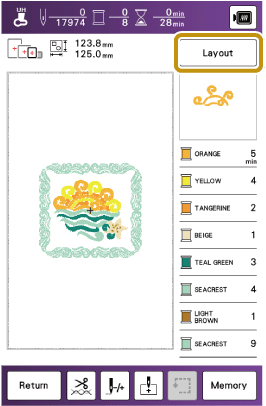
Touch
.
Touch [Layout] again to check the sorted thread colors.
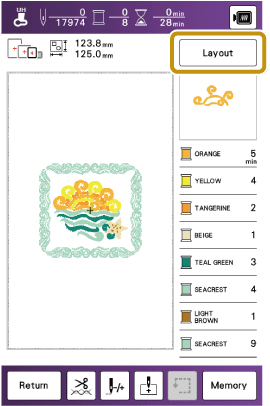
- The embroidery color order is rearranged and sorted by thread colors.
Touch [Layout], then
 to cancel color sorting and embroider with the original embroidery color order.
This function does not work on overlapping patterns.