
Selecting Frame Patterns
Touch
 .
.Touch the key of the frame shape you want to embroider in the top part of the screen.
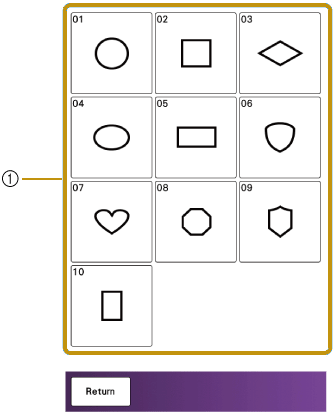

- Frame shapes
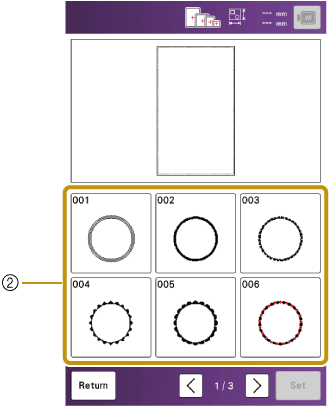
- Frame patterns
 : View the next page.
 : View the previous page.
Touch the key of the frame pattern you want to embroider.
- The selected pattern is displayed on the screen.
Touch [Set].
- The edit screen appears.
Follow the steps from 4 to 7 of “Selecting Embroidery Patterns”.