
Changing the Thread Color Display
You can display the name of the thread colors or embroidery thread number.
- Colors on the screen may vary slightly from actual spool colors.
- [Original] retains the brand thread specified in the imported pattern.
Touch
 .
.- The settings screen appears.
Touch
 .
.- The embroidery settings screen appears.
Display [Thread color] in the embroidery settings screen.
Use

 to display the name of the thread colors or the embroidery thread number.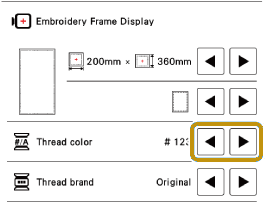
Use
to select a thread brand.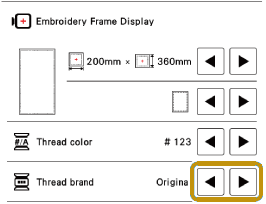
Touch [OK].