
Embroidering Split Embroidery Patterns
Split embroidery patterns created with Palette Ver. 7 or later can be embroidered. With split embroidery patterns, embroidery patterns larger than the embroidery frame are divided into multiple sections, which combine to create a single pattern after each section is embroidered.
For details on creating split embroidery patterns and for more detailed embroidery instructions, refer to the Instruction manual included with Palette Ver. 7 or later.
Insert the USB media containing the created split embroidery pattern, and then select the split embroidery pattern to be embroidered.
Retrieving Embroidery Patterns
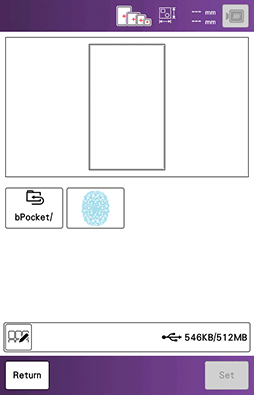
Select section
 to be embroidered.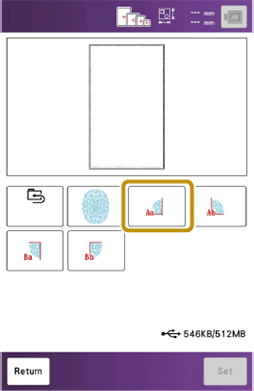
Touch [Set].
If necessary, touch [Edit] and edit the pattern.
Do not change the size of the pattern.
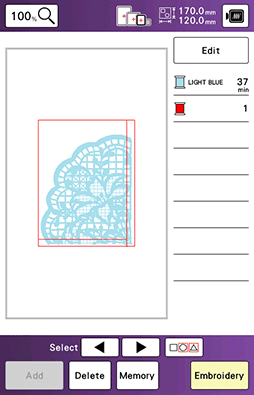
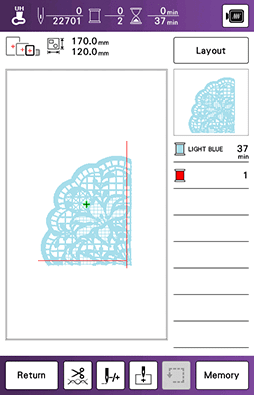
Touch [Embroidery] to display the embroidery screen.
Embroider the pattern section.
When embroidering is finished, the following screen appears. Touch [OK].
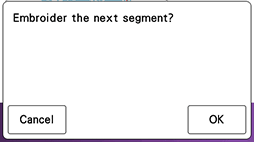
- A screen appears so that a section of the split embroidery pattern can be selected.
Repeat steps 2 through 6 to embroider the remaining sections of the pattern.