
Update Procedure Using USB Media
When an update program is available on www.babylock.com, please download the files following the instructions on the website.
When using USB media to update the software, check that no data other than the update file is saved on the USB media being used before starting to update.
Turn on the machine while pressing and holding
 (Presser foot lifter button).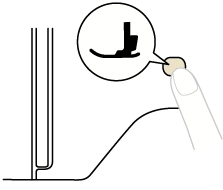


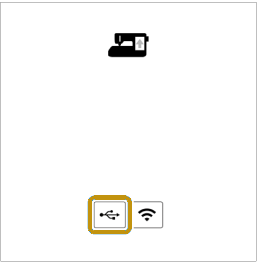
Touch
 .
.
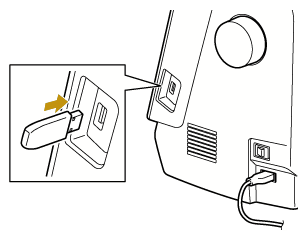
Insert the USB media into the USB port on the machine.
Touch [Load].
Do not turn off the machine during the update.
- When updating is finished, the completion message [Update complete.] appears.
Remove the USB flash drive, and turn the machine off and on again.
Go to the Settings and confirm that the updated version number is displayed.