
Using the Thread Trimming Function (Jump Stitch Trim)
The thread trimming function  will automatically trim any excess thread jumps within the color. This function is initially turned ON. To turn this function OFF, touch
  key and then .
- Your customized setting remains after turning the machine off and on.
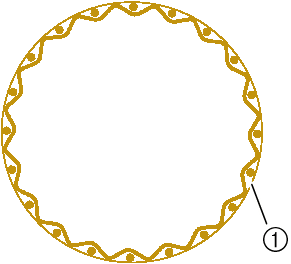 |  |
- Jump stitch
Touch
.Touch
to turn off the thread trimming function.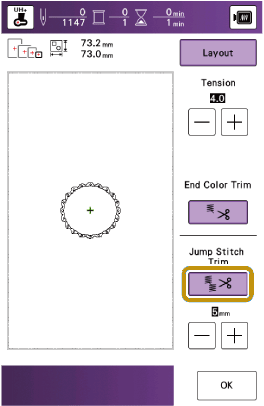
- The key will display as
 . The machine will not trim the thread before moving to the next stitching.
- The key will display as
Selecting the Length of Jump Stitch Not to Trim
When the thread trimming function is turned on, you can select the length of the jump stitch. Select a setting from 5 mm (approx. 3/16 inch) to 50 mm (approx. 2 inches) in 5 mm increments.
- Your customized setting remains after turning the machine off and on.
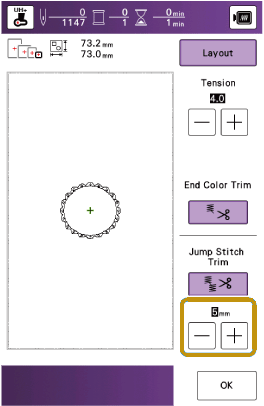
Touch  or
or  to select the length of jump stitch.
For example: Touch to select 25 mm (approx. 1 inch) and the machine will not trim a jump stitch of 25 mm or less before moving to the next stitching.
- If design has many trims it is recommended to select a higher jump stitch trim setting in order to reduce the amount of excess tails on backside of fabric.
- The higher number of the jump stitch length selected, the fewer number of times the machine will trim. In this case, more jump stitches remain on the surface of the fabric.