Stitch Width/Stitch Length/“L/R Shift”
When you select a stitch, your machine automatically selects the appropriate stitch width, stitch length, and L/R Shift. However, if needed, you can change any of the individual settings.
- Settings for some stitches cannot be changed.
If you turn off the machine or select another stitch without saving stitch setting changes, the stitch settings will return to their default settings.
Touch
 to save the stitch settings.
- Touch
 to check changes made to the stitch.
 - Touch
 to return the original setting.
After adjusting the stitch width or the “L/R Shift”, slowly turn the handwheel toward you (counterclockwise) and check that the needle does not touch the presser foot.
If the stitches get bunched together, lengthen the stitch length and continue sewing. Do not continue sewing without lengthening the stitch length. Otherwise, the needle may bend or break.
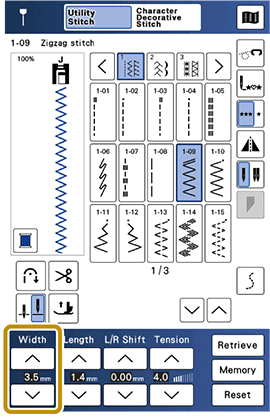
Stitch Width
Follow the steps below when you want to change the zigzag stitch pattern width.
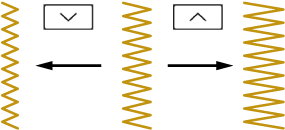
The stitch width can be also changed using the speed controller with a satin stitch.
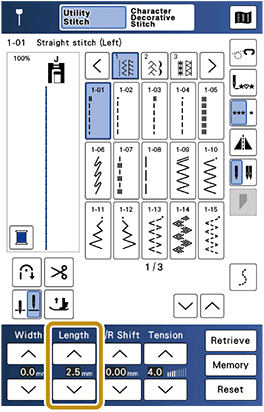
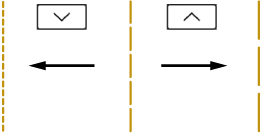
Stitch Length
Follow the steps below when you want to change the stitch pattern length.
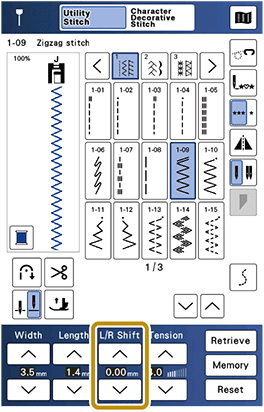
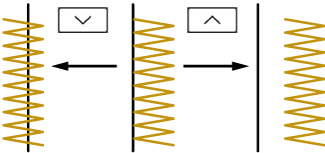
“L/R Shift”
Follow the steps below when you want to change the placement of the zigzag stitch pattern by moving it left and right.