
Changing the Needle Position
When you select left or middle needle position stitches, you can use  and
and  in the L/R Shift display to change the position of the needle. Match the distance from the right edge of the presser foot to the needle with the L/R Shift, then align the edge of the presser foot with the edge of the fabric during sewing for an attractive finish.
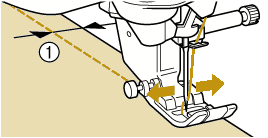
- L/R Shift
Example: Middle needle position stitches
 |  |  |  | |||
 |  | 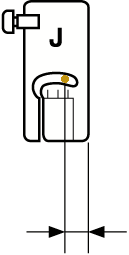 |  | |||
12.0 mm | 8.5 mm | 6.5 mm | 5.0 mm |
- Stitch Q-01 will not permit using the L/R Shift function.
When [Width Control] in the Sewing settings screen is set to [ON], the needle position of a straight stitch can be changed with the sewing speed controller.
And use the foot controller to operate the machine.
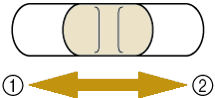
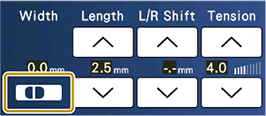
- Shift the needle position to the left.
- Shift the needle position to the right.