
Previewing the Pattern
Touch
 .
.
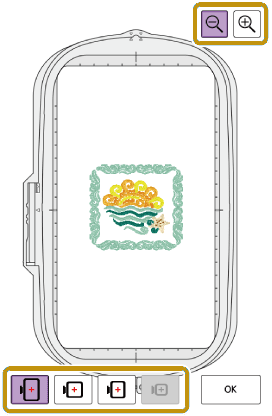
- An image of the pattern as it will be embroidered appears.
Touch


 to select the frame used in the preview.
Frames displayed in gray cannot be selected.
Touch
 to enlarge the image of the pattern.
The pattern can be embroidered as it appears in the display.
Touch [OK].