
Creating Repeated Patterns
Using the border function, you can create repeated patterns.
You can also adjust the spacing of the patterns.
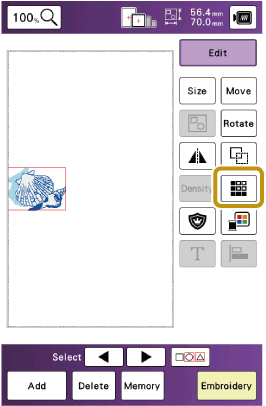
Touch [Edit], and then touch
 .
.
Select the direction.
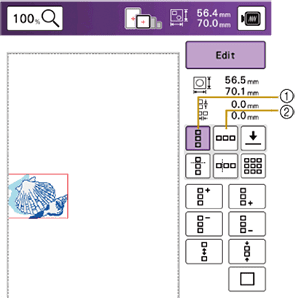
- Vertical direction
- Horizontal direction
Touch keys to repeat the patterns.
Vertical direction

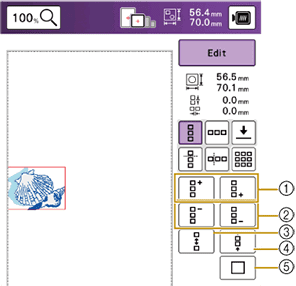
- Repeat patterns
- Delete patterns
- Widen spacing
- Tighten spacing
- Cancel the repetition
Horizontal direction

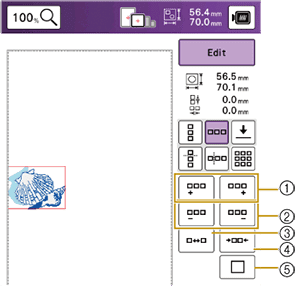
- Repeat patterns
- Delete patterns
- Widen spacing
- Tighten spacing
- Cancel the repetition
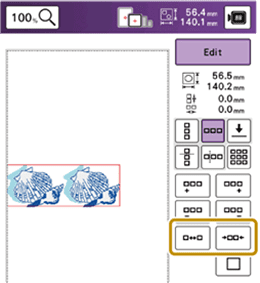
Adjust the spacing of the repeated pattern.

 : Widen spacing.
 : Tighten spacing.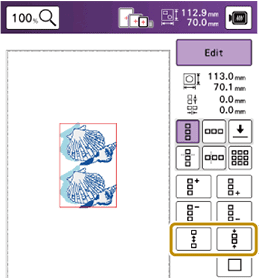
Touch [OK].
Repeating Patterns Using the Matrix Copy
Place the pattern repeatedly throughout the embroidery area.
Touch
.Touch
 .
.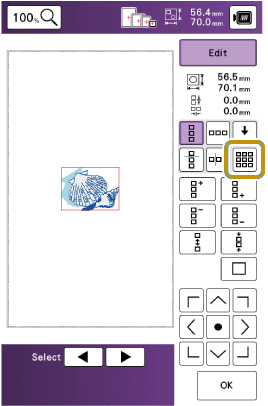
- The repeated pattern is displayed positioned throughout the area.
Specify the embroidery frame size to be used.
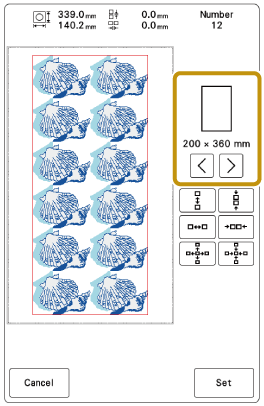
Adjust the spacing of the repeated pattern.

 : Widen spacing.
 : Tighten spacing.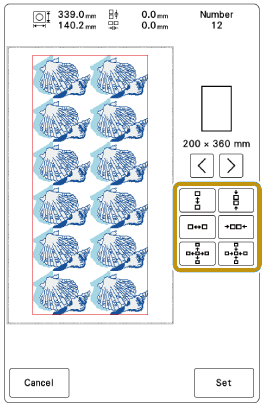
- Every time the key is pressed, the image of the repeated patterns will be updated and the number of repeats may be changed.
Touch [Set].
Touch [OK].
Repeating One Element of a Repeated Pattern
You can select one element of a repeated pattern and repeat only that single element. This function allows you to create complex repeated patterns.
Touch
.Choose the direction in which the repeated pattern will be cut.
 : Cut horizontally.
 : Cut vertically.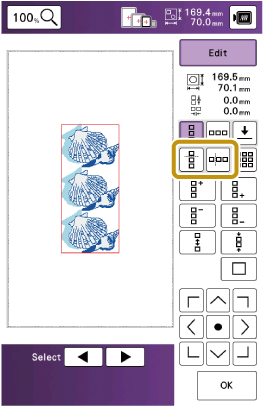
- The pattern direction indicator will change depending on the direction selected.
Use
 and
and  to select the placement (or position) of the cut line.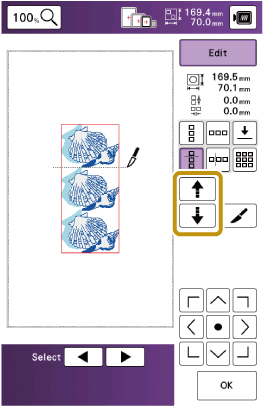
Touch
 .
.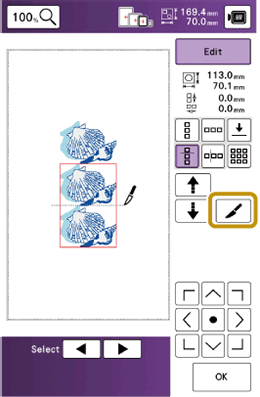
- The repeated pattern will be divided into separate elements.
Touch
 .
.Use
 and
and  to select the element to repeat.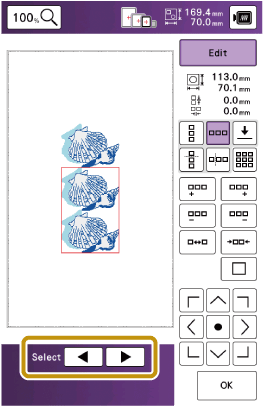
Repeat the selected element.
Touch [OK].
Color Sorting Repeated Patterns
Touch [Embroidery] to automatically change the embroidering order of colors in combined border embroidery patterns so that the same color can be continuously embroidered.
This allows you to continue embroidering without repeatedly changing the upper thread or changing the embroidering order manually.
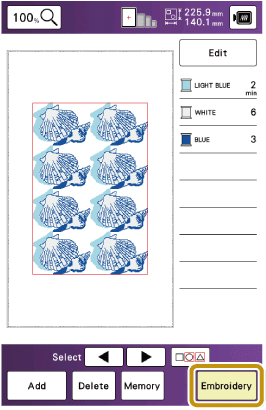

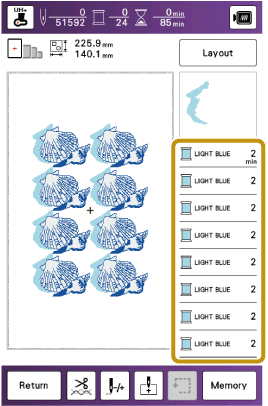
- When a grouped pattern is repeated, the embroidering order is changed in each pattern.
- If there are repeated patterns with other repeated patterns or other patterns, the embroidering order of only the repeated patterns is changed.
Assigning Thread Marks
By sewing thread marks, you can easily align patterns when rehooping the fabric to embroider a series. When embroidering is finished on a pattern, a thread mark will be sewn using the final thread.
When embroidering a series of patterns, use the thread marks for positioning adjacent patterns.
Embroidering the Pattern Repeatedly
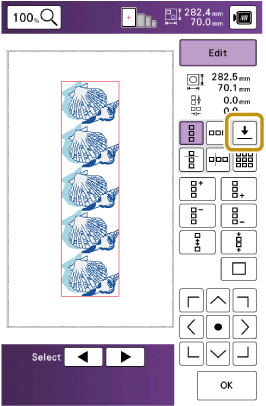
Touch
.Touch
 .
.
Touch
 to select the position where the thread mark will be sewn.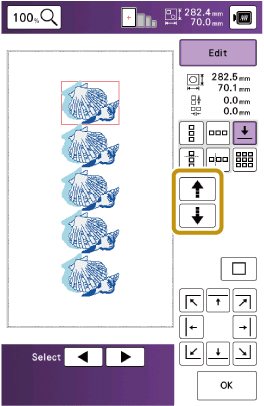
When there are two or more elements, use
 or
or  to select an element to assign a thread mark(s) to.
Touch [OK].