Combining Patterns
Example:

Select a pattern and then touch [Set].
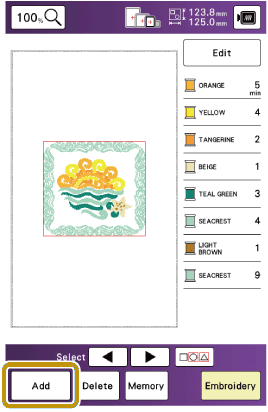
Touch [Add].
Touch
 .
.Select
 and enter “ABCD”.
- The characters you enter will be displayed in the center of the embroidery pattern area.
Touch [Set].
Touch [Edit] and then touch
 .
.Use
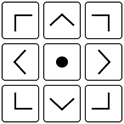 to move the characters.
Characters can also be moved by directly dragging them with your finger or the touch pen.
Touch [OK].
Touch
 to change the color of the characters.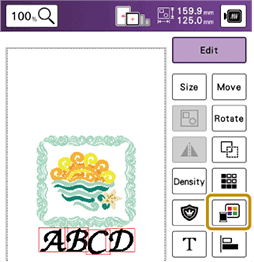
Touch [OK].
When all editing is finished, touch [Embroidery].
Combined patterns will be embroidered in the order they were entered.
Selecting a Pattern
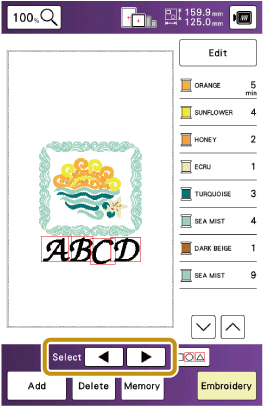
If multiple patterns have been combined, use  to select the pattern to be edited. Patterns can also be selected by directly touching the screen with your finger or touch pen.
The pattern being selected is outlined in red.