
Making Step Stitch Patterns (for 7mm Satin Stitch Patterns Only)
You can use 
 keys to create a step effect, also called step stitch patterns.
Touch to move the stitch pattern a distance equal to half of the stitch pattern’s size to the left or right.
Example:

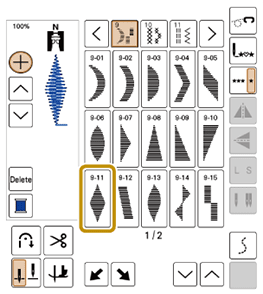
Select stitch (9-11).

Touch
 so that it displays
  .
.Touch
.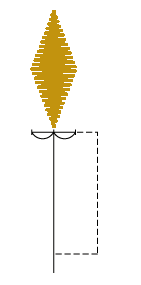
- The next stitch pattern will move to the right.
Select stitch (9-11) again.
Touch
.
- The next stitch pattern will move to the left.
Touch
 .
.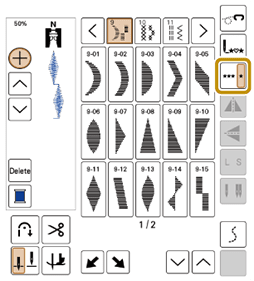
- The entered stitch pattern is repeated.
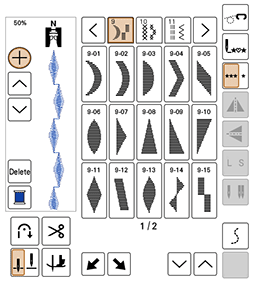
- The entered stitch pattern is repeated.